

If your WPBakery pages feel plain and you need to fix those tired designs quick, Ultimate Addons for WPBakery is the move in 2026. This add-on takes the builder you already know and turns it into a powerhouse for creating sites that actually stop people in their tracks.
I’ve been in the WordPress trenches for 15 years now, building sites for everyone from mom-and-pop shops to big agencies. One thing never changes: plain old WPBakery starts strong but runs out of steam fast. The built-in elements get the job done, sure. But when you want something that feels fresh and modern, you hit a wall. That’s where Ultimate Addons for WPBakery steps in and changes everything.
Brainstorm Force built this thing, the same team behind the Astra theme that powers millions of sites. They know WordPress inside out, and it shows.
Why Most WPBakery Sites Look the Same
You know the drill. You drag in a heading, toss in a button, and maybe add an image. It works. But everything starts to blend together after a while. Clients come back saying their site feels dated. Visitors bounce because nothing grabs them.
Ultimate Addons for WPBakery fixes that by giving you over 50 extra elements that actually feel current. No more basic boxes and lists. You get stuff that makes people say “wow” without you writing a single line of code.
The best part? It sits right on top of WPBakery. No need to switch builders or learn a new system. If you’re already comfortable with WPBakery, this feels like an upgrade you should’ve had years ago.
The Elements That Make the Difference
Let’s talk real features that solve real headaches.
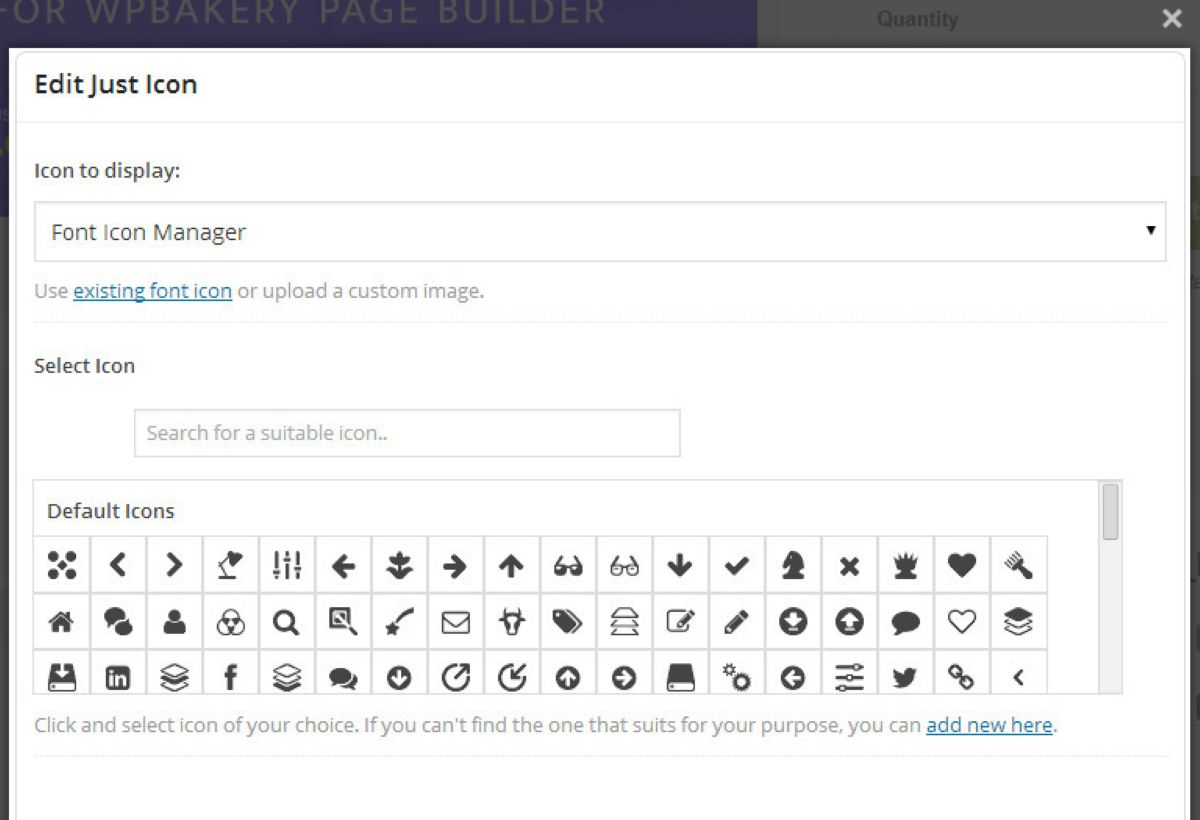
First, the icons. We’re talking 3,500+ free font icons through their IcoMoon setup. You can slap professional icons anywhere – next to features, in footers, or as social links. And they look sharp on every device.
Then there’s the Info Box and Info List. These aren’t your grandma’s bullet points. Info boxes let you highlight services or products with clean layouts, icons, and calls to action. Info lists turn boring numbered steps into something people actually read. I’ve used these on service pages where conversion rates jumped because the content finally breathed.
Flip Box is another favourite. Hover over a service card, and it spins around to show pricing or a “Book Now” button. It’s that little interactive touch that makes sites feel alive.
Counters? Perfect for showing “500+ happy clients” or “10 years in business”. The numbers animate up smoothly. Clients love seeing their stats pop like that.
Interactive banners take hero images to another level. Instead of static photos, you get hover effects, overlays, and smart text placement. One e-commerce client used these for category banners and saw click-through rates climb.
And don’t get me started on the backgrounds. Video backgrounds, parallax scrolling, layered hover effects – you can make rows move and breathe without slowing your site to a crawl.
Advanced carousels, pricing tables, progress bars, timelines, hotspots, and dual-colour headings round out the pack. Every single one comes packed with options for colours, spacing, animations, and responsive tweaks.
The team keeps adding new stuff too. Recent updates in late 2025 fixed security issues and improved accessibility, which tells you they’re not just coasting.
Sites That Actually Benefit
This isn’t some niche tool. I’ve rolled it out on all kinds of projects.
For business sites, the advanced headings and info sections make “About Us” pages actually interesting. No more walls of text.
Restaurants use the flip boxes and interactive banners for menu highlights. One local spot saw online reservations double after we refreshed their site.
Managers or consultants love the counters and timelines to be up-to-date and on time. Showing client results or career milestones in a visual way builds instant trust.
Online stores pair it with WooCommerce for better product grids and feature callouts. The elements play nice with pretty much any theme.
Even agencies use it for client work because it speeds up design time. Instead of custom coding fancy sections, you drag, drop, and tweak.
Setup Takes Minutes, Not Days
Here’s what I tell every new user: install it, activate it, and you’re off.
The interface lives right inside WPBakery. New elements show up in your element list with clear icons. You drag them in, then spend time on the settings panel – which is surprisingly straightforward for how much power it has.
Want a parallax row? Pick the background type and adjust the speed. Need a counter? Set the start number, end number, and animation style. Everything updates live in the editor.
No fighting with shortcodes or custom CSS unless you really want to. Though the code is clean enough that developers can jump in and extend things if needed.
I set this up for a nonprofit last month. They had a basic WPBakery site that looked okay but felt flat. Two hours later we had animated stats, better icons, and interactive team bios. Their donations page got a fresh coat of paint, and they reported more engagement the first week.
Why It Still Wins in 2026
Page builders have come and gone, but mostly sites need stability. Elementor took over for many, but plenty of us stick with WPBakery because we know it, the themes use it, and it just works for certain projects and improves SEO and traffic, and it’s great.
Ultimate Addons for WPBakery keeps it relevant. While newer builders chase flashy AI tools, this add-on focuses on what actually matters: great-looking elements that load fast and convert.
The support is top-notch too. Brainstorm Force answers tickets fast, and the documentation covers pretty much every question.
The recent changelog shows they’re still patching things, making it greater and adding small improvements based on user feedback. That matters when you’re running a live site.
One Small Note
If you’re a novice to page builders, maybe start with something simpler and drag-and-drop like Elementor. But if you’re already in the WPBakery world, this is the fastest way to level up.
Price-wise, it’s still one of the best deals out there. You get lifetime updates on most licences, and it’s way cheaper than rebuilding your whole site from scratch.
Ready to Fix Those WPBakery Pages?
Stop settling for average. Your visitors notice when a site feels fresh and thoughtful.
Head over to the official site or CodeCanyon and grab Ultimate Addons for WPBakery. Spend one afternoon playing with the elements, and you’ll wonder how you ever built without it.
I’ve watched this add-on save projects and spark new ideas for years. In 2026 it’s still delivering that same magic. Your next site redesign just got a whole lot easier.