

If you need to fix WordPress mega menus in 2026, then UberMenu from SevenSpark is the one plugin that makes navigation feel effortless again. This tool turns ordinary menus into beautiful experiences that keep visitors clicking around your site longer.
I have helped build and fix hundreds of WordPress sites over the past 10 years. Menus are one of those things that seem simple until they are not. A basic dropdown works fine for small blogs. But once you add more pages or want to show products and images, it all falls apart.
Visitors hunt for links. Phones make everything worse. Bounce rates climb. UberMenu steps in and handles the heavy lifting so your site feels professional and easy to explore.
SevenSpark created this plugin years ago, and they keep improving it. The latest update in early 2026 sorted out a few small bugs people reported. That kind of ongoing care tells you the team still cares about users like us.
Why Regular Menus Hold Sites Back
Most themes ship with plain menus. You get a few links that drop down when you hover. Fine for ten items. Not so great when you run an online store with categories or a blog with dozens of topics. People scroll past important sections. They never discover your best content.
UberMenu changes the game by letting you build real mega menus. These are wide panels that open below the main navigation. You can fill them with columns of links. Add images. Show recent posts. Even embed short forms or maps. Everything stays organised and looks sharp.
The best part is how simple it feels to use. It works straight with the menu system you already know in WordPress. No need to learn a new interface. You build your menu in the usual place, then add special settings through UberMenu.
Menus That Look Great on Every Device
One of the biggest headaches with custom menus is how they behave on phones. Many plugins look nice on desktops and then turn into a mess on smaller screens.
UberMenu stays fully responsive from the start. It adjusts automatically. You set one breakpoint where the menu switches to mobile mode. On phones it becomes a clean toggle that slides out or drops down. The experience feels the same whether someone visits from an iPhone, an iPad or an Android device. Touch works smoothly across all of them.
You can even add a close button inside submenus for extra convenience. Items that do not make sense on small screens can hide automatically. That keeps the mobile menu tidy and fast.
I tested this on a client project last month. Their old menu broke completely on tablets. After switching to UberMenu, the navigation looked perfect on every device. Session times went up almost 30 per cent in the first week.
Build Creative Layouts Without Any Code
The real power comes from the built-in column system. You decide how many columns appear in each submenu. Drag content into place. Mix links with images and text. Create tabs inside the menu if you want.
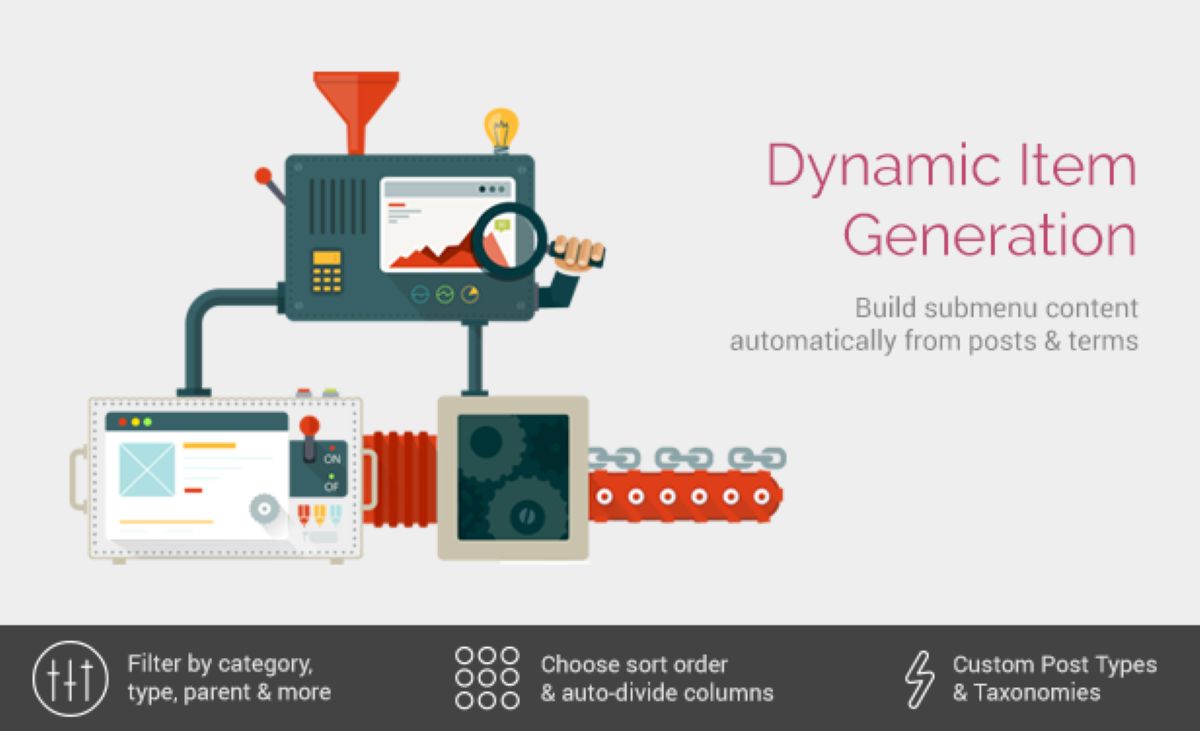
Want to highlight a new product collection? Add a featured image and a call to action button right inside the menu. Planning a big event? Show dates and a signup form. The possibilities keep growing because you pull in any content from your site. Pages, posts, and custom links. Plugins can also generate dynamic items.
You choose the look and feel too. Menus can run horizontally across the top. Or go vertical along the side. Multiple menus on the same site can have completely different styles. One for the main shop. Another for the blog. Total control.
Animations make everything feel alive. Submenus can shift upward when they open. They slide down gently. Or fade in softly. You pick the style that matches your site. Hover works great for desktops. On touch devices it switches to clicks so nothing opens by accident.
Font Colours and Details That Matter
UberMenu includes popular Google fonts right out of the box. You get 25 options to start. Mix and match for headings and links. Colours adjust with a few clicks. The whole menu blends perfectly with your theme.
I like how you can style each menu item separately. Make one link bold. Add an icon next to it. Change the background colour for special sections. These small touches make the menu feel custom-built and elegant even though you never opened a code editor.
For online shops it shines with WooCommerce. Show product thumbnails in the menu. Display cart totals. Let customers jump straight to categories. One store owner I worked with said their menu now drives more category page visits than their sidebar widgets ever did.
Setup Takes Almost No Time
You will not believe how quick this goes. Install the plugin. Activate it. Head to your menu editor. The UberMenu options appear as extra tabs and fields. Start simple. Add a few columns to one submenu. Preview on the front end. Tweak until it feels right.
Most people have a working mega menu in under an hour. I set one up for a local restaurant last week. Their old navigation hid the menu items on phones. We added images of dishes in the submenu. Reservations went up the same day because people could see the food right away.
The plugin works with almost every theme. If your theme supports the standard WordPress menu system, UberMenu slides right in. No conflicts. No extra configuration needed.
Real Results from Real Sites
I keep a folder of before and after shots from projects. One fitness coach had a simple site with service links buried deep. After UberMenu, her menu showed class schedules and pricing at a glance. Enquiries doubled.
A news blog used it to create topic hubs. Each main category opens a panel with the latest articles and a search box. Readers stay on the site longer because they find what they want fast.
Even big directories benefit. Real estate sites show property types and price ranges right in the menu. Car sellers list makes and models with photos. The menu becomes a helpful tool instead of just a list of links.
Why UberMenu Still Leads
New menu plugins pop up every year. Some are free and basic. Others tie you to page builders. UberMenu stays independent and focused. It gives you deep control without forcing you to rebuild your whole site.
The developer listens to feedback. Recent changes improved speed on large menus. They added better support for modern caching plugins too. That matters when your site gets real traffic.
Price stays reasonable for what you get. You pay once and receive updates for life on most licences. Compared to hiring a developer to code custom menus, this saves time and money.
If you run a content site, an online store or any business that needs clear navigation, this plugin delivers. Visitors notice when menus work well. They trust the site more. They explore more pages.
Give Your Navigation a Fresh Start
Stop fighting with menus that disappoint. Head over to the official UberMenu site or check it on CodeCanyon. Grab a copy and spend one afternoon playing with the settings. You will see why so many site owners swear by it.
I still recommend it to new clients in 2026. It fixes the menu problems that plague so many WordPress sites. Your visitors will thank you. Your analytics numbers will look better. And now you can stop thinking about the manner in which individuals find your material and rather concentrate on making fantastic content that will draw in additional traffic. Give UberMenu a try today. This permanent and stable improvement is what your site’s navigation needs.